 |
|  |
| ------------------------------------------------------------------------------------------------------------------------------------- | ------------------------------------------------------------------------------------------------------------------------------------------------------------------------------------------------------------------------------------------------------------------------------------------------------------------------------------------------------------------------------------------------------------------------------ |
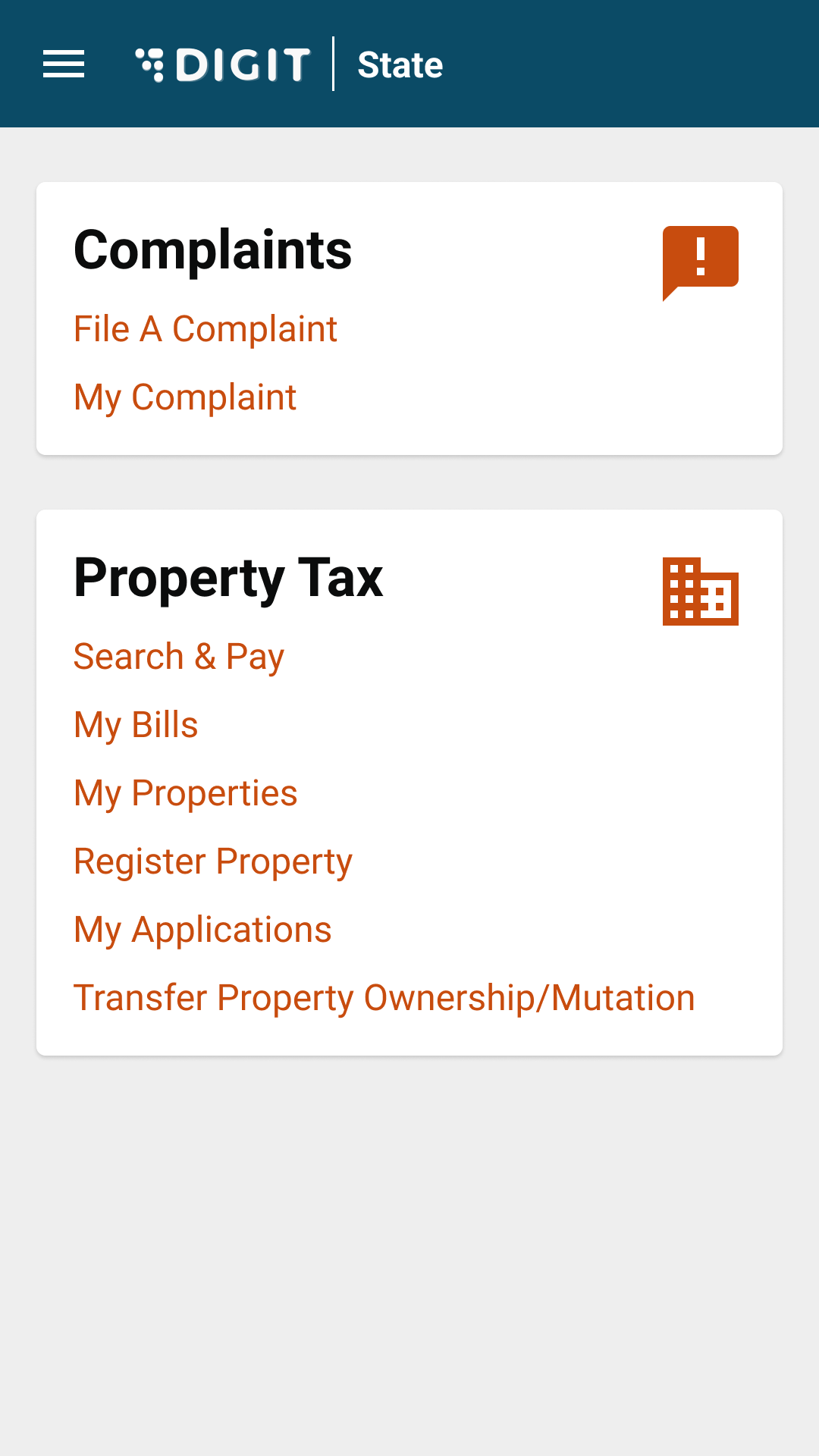
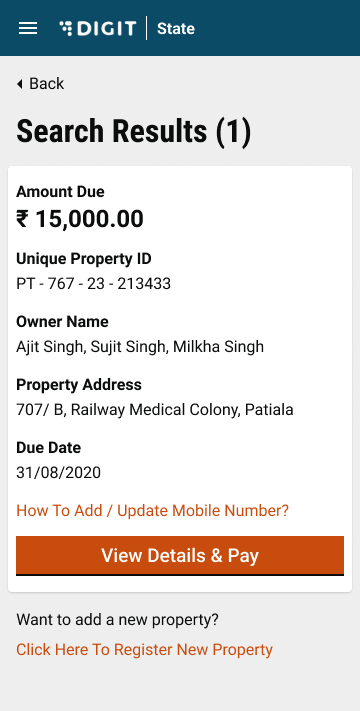
| Click on the **My Properties** option on the homepage. | Search for the relevant property using search filters. Click on the **View Details** button for the applicable property. |
|
|
| ------------------------------------------------------------------------------------------------------------------------------------- | ------------------------------------------------------------------------------------------------------------------------------------------------------------------------------------------------------------------------------------------------------------------------------------------------------------------------------------------------------------------------------------------------------------------------------ |
| Click on the **My Properties** option on the homepage. | Search for the relevant property using search filters. Click on the **View Details** button for the applicable property. |
|  |
|  |
| Click on the **Edit** icon next to the mobile number on the **Property Ownership Details** page. |
|
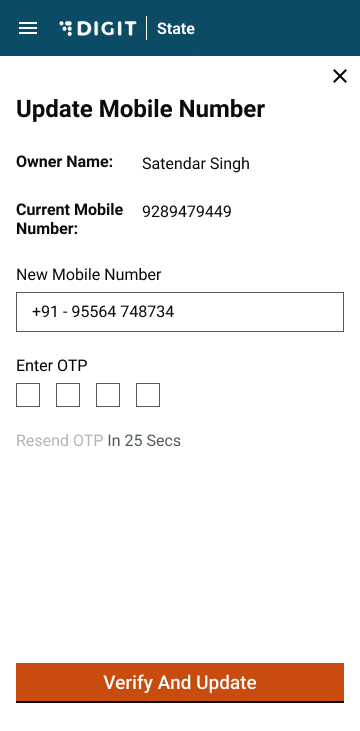
| Click on the **Edit** icon next to the mobile number on the **Property Ownership Details** page. | Enter the New Mobile Number on the screen. Click on the Send OTP button.
Enter the OTP received on the given mobile number and then click on the Verify & Update Mobile Number button. In case of a wrong OTP entry, click on the Resend OTP button.
Refresh the Property Details page. The mobile number is updated.
| --- # Agent Instructions This documentation is published with GitBook. GitBook is the documentation platform designed so that both humans and AI agents can read, navigate, and reason over technical content effectively. Learn more at gitbook.com. ## Querying This Documentation If you need additional information that is not directly available in this page, you can query the documentation by asking a question. Perform an HTTP GET request on the following URL with the `ask` and `goal` query parameters: ``` GET https://docs.digit.org/local-governance/access/local-governance-stack/property-tax/pt-user-manual/citizen-user-manual/update-mobile-number.md?ask=