> For the complete documentation index, see [llms.txt](https://docs.digit.org/llms.txt). Markdown versions of documentation pages are available by appending `.md` to page URLs; this page is available as [Markdown](https://docs.digit.org/platform/guides/developer-guide/ui-developer-guide/customisation/login-page.md).
# Login Page
Configuration of privacy policy component on the login screen
## Overview
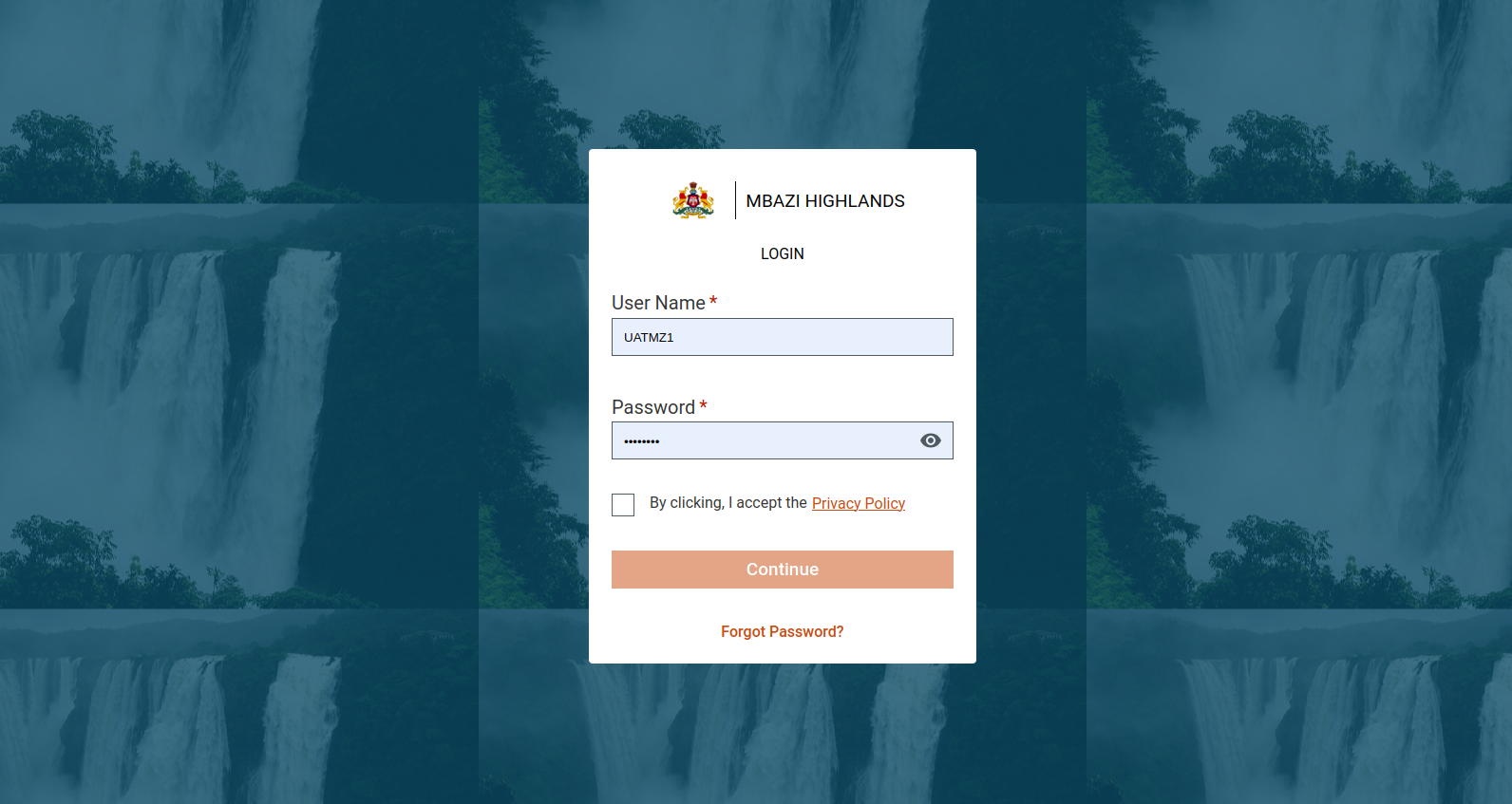
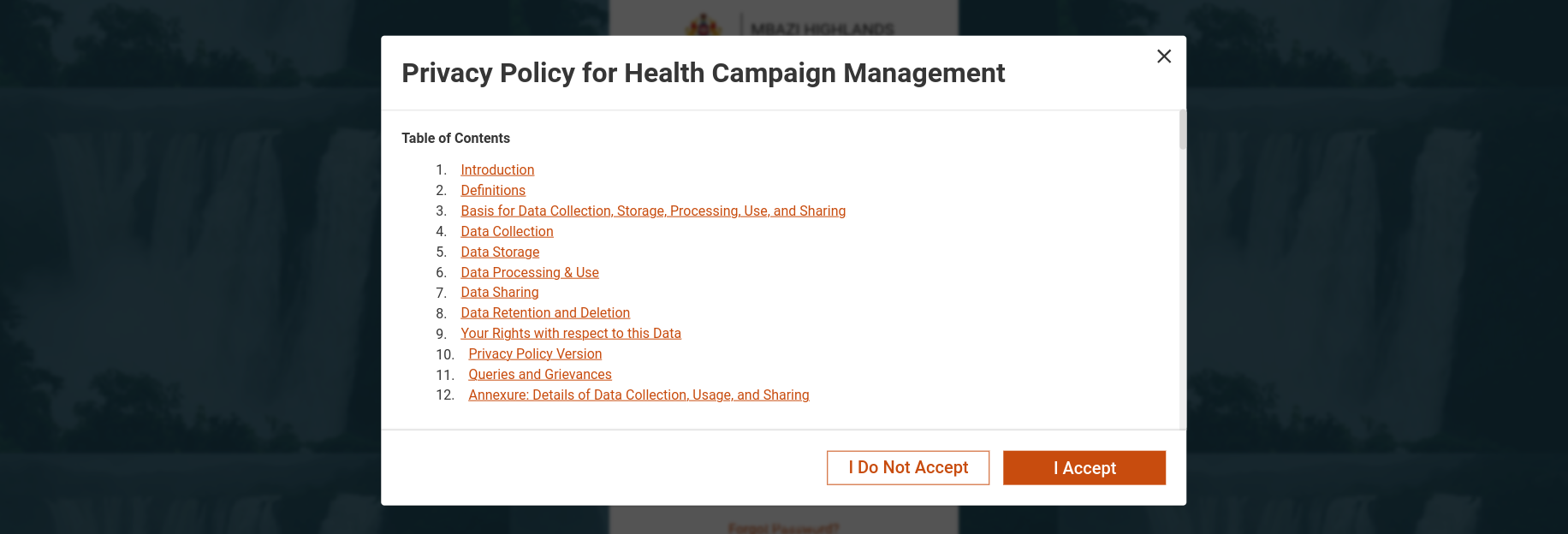
A new feature, the Privacy Component, has been added to the login screen to enhance user transparency. This component displays privacy policy information based on the login configuration. Follow the steps below to configure this component on the login screen.
## Steps
### Integrate With Login Configuration
To render the Privacy Component, you must include specific configurations in the MDMS :
* **Master Name:** `commonUiConfig`
* **Module Name:** `LoginConfig`
If these configurations are not present, the [default login](#default-screen) configuration will be rendered instead.
### Filter Privacy Data
The content displayed within the Privacy Component's pop-up will be filtered according to the `module code` specified in the schema.
### Customise Login Fields
The fields on the login screen are fully configurable. Users can add or remove fields according to their specific requirements.
### Set Login Button
To ensure all mandatory fields are completed, the login button will be disabled until all required fields are filled. This ensures that users provide all necessary information before proceeding.
### Example Configurations
Here are some examples of different configurations for the login screen and their corresponding displays:
These configs will help to enable/disable the privacy declaration, at an instance level.
{% tabs %}
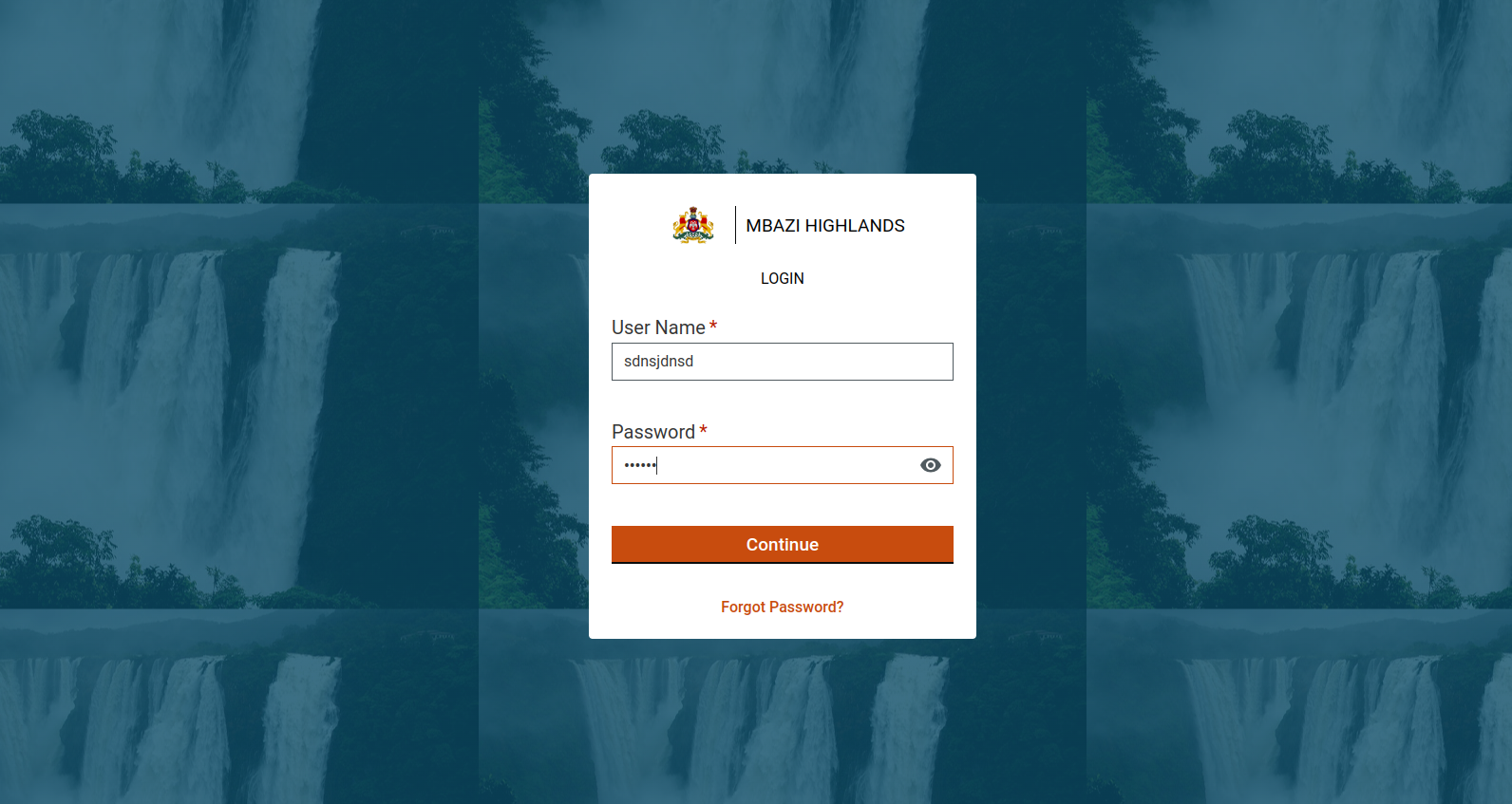
{% tab title="Config without Privacy Declaration" %}
Screen:
{% endtab %}
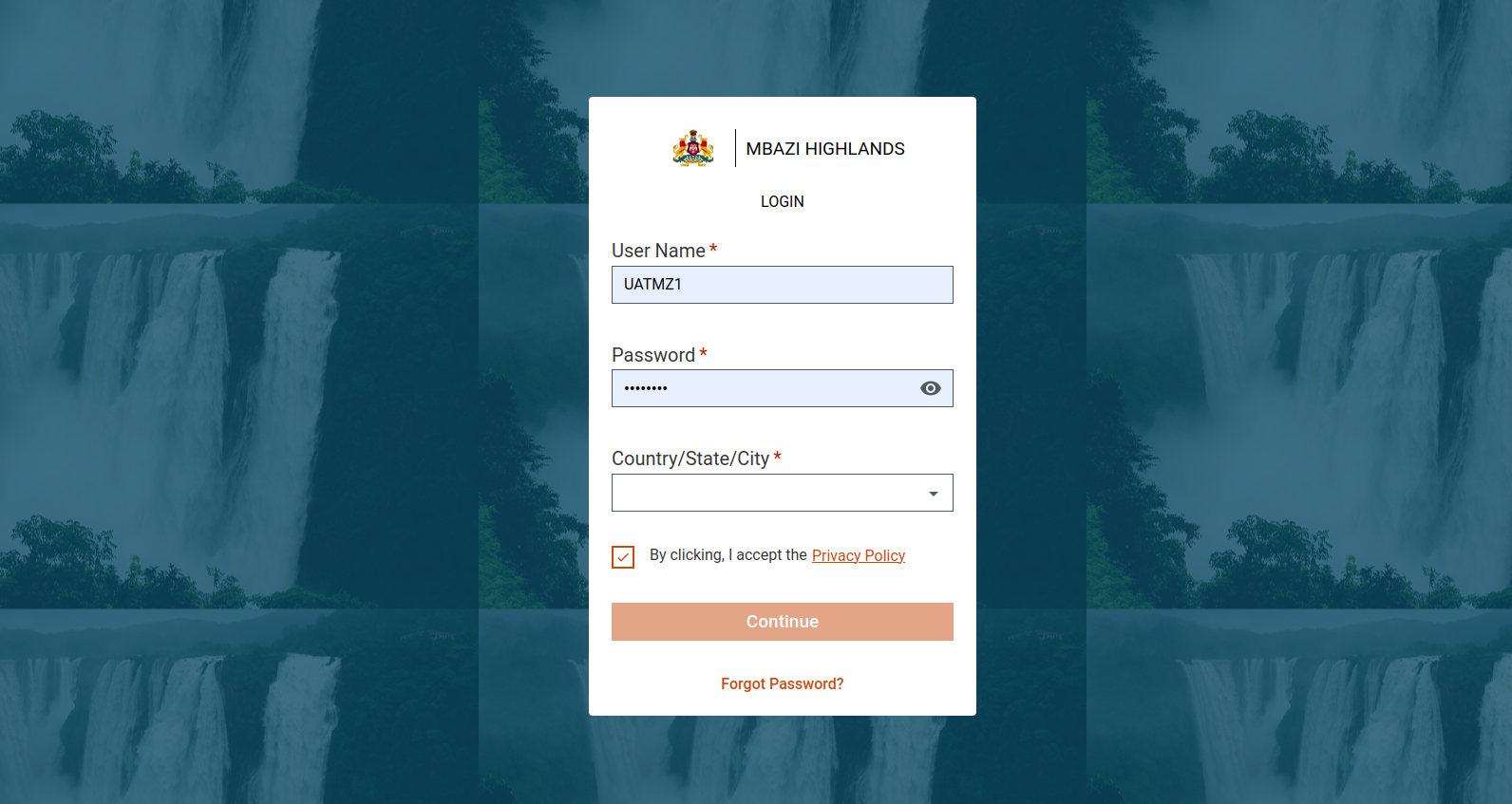
{% tab title="New Screen" %}
#### Dummy Config for this new login screen:
```
{
"tenantId": "mz",
"moduleName": "commonUiConfig",
"LoginConfig": [
{
"texts": {
"header": "CORE_COMMON_LOGIN",
"submitButtonLabel": "CORE_COMMON_CONTINUE",
"secondaryButtonLabel": "CORE_COMMON_FORGOT_PASSWORD"
},
"inputs": [
{
"label": "CORE_LOGIN_USERNAME",
"type": "text",
"key": "username",
"isMandatory": true,
"populators": {
"name": "username",
"validation": {
"required": true
},
"error": "ERR_USERNAME_REQUIRED"
}
},
{
"label": "CORE_LOGIN_PASSWORD",
"type": "password",
"key": "password",
"populators": {
"name": "password",
"validation": {
"required": true
},
"error": "ERR_PASSWORD_REQUIRED"
},
"isMandatory": true
},
{
"isMandatory": true,
"type": "dropdown",
"key": "city",
"label": "CORE_COMMON_CITY",
"disable": false,
"populators": {
"name": "city",
"optionsKey": "name",
"error": "ERR_HRMS_INVALID_CITY",
"mdmsConfig": {
"masterName": "tenants",
"moduleName": "tenant",
"localePrefix": "TENANT_TENANTS",
"select": "(data)=>{ return Array.isArray(data['tenant'].tenants) && Digit.Utils.getUnique(data['tenant'].tenants).map(ele=>({code:ele.code,name:Digit.Utils.locale.getTransformedLocale('TENANT_TENANTS_'+ele.code)}))}"
}
}
},
{
"isMandatory": true,
"key": "check",
"type": "component",
"component": "PrivacyComponent",
"withoutLabel": true,
"disable": false,
"customProps": {
"module": "HCM"
},
"populators": {
"name": "check"
}
}
],
"bannerImages": [{
"order":1,
"bannerUrl": "someurl",
"tansisitionTime":2,
"header": "CORE_COMMON_FORGOT_PASSWORD",
"description": "CORE_COMMON_FORGOT_PASSWORww",
},{
"order":2,
"bannerUrl": "someurl",
"tansisitionTime":2,
"header": "CORE_COMMON_FORGOT_PASSWORD",
"description": "CORE_COMMON_FORGOT_PASSWORww",
}],
}
]
}
```
{% endtab %}
{% endtabs %}
**Data Customisation:** The data can be modified through MDMS and localization updates.\
\
**MDMS Path:**\
[Login Configuration](https://github.com/egovernments/egov-mdms-data/blob/UNIFIED-DEV/data/mz/commonUIConfig/LoginConfig.json)\
\
[Privacy policy schema](https://github.com/egovernments/egov-mdms-data/blob/UNIFIED-DEV/data/mz/commonUIConfig/PrivacyPolicy.json)\
\
[Click here](https://github.com/egovernments/DIGIT-Frontend/blob/develop/micro-ui/web/micro-ui-internals/packages/modules/core/src/components/PrivacyComponent.js) to access the privacy component file.
**Localisation modules used:**
[digit-privacy-policy](https://docs.google.com/spreadsheets/d/1XY0OYiLsC1eKHeD-WpQv6GV7Sxiy2LHR9KoeVz95q2o/edit?gid=1511586820#gid=1511586820)
[rainmaker-common](https://docs.google.com/spreadsheets/d/1XY0OYiLsC1eKHeD-WpQv6GV7Sxiy2LHR9KoeVz95q2o/edit?gid=51685018#gid=51685018)
---
# Agent Instructions
This documentation is published with GitBook. GitBook is the documentation platform designed so that both humans and AI agents can read, navigate, and reason over technical content effectively. Learn more at gitbook.com.
## Querying This Documentation
If you need additional information that is not directly available in this page, you can query the documentation dynamically by asking a question.
Perform an HTTP GET request on the current page URL with the `ask` query parameter, and the optional `goal` query parameter:
```
GET https://docs.digit.org/platform/guides/developer-guide/ui-developer-guide/customisation/login-page.md?ask=&goal=
```
`ask` is the immediate question: it should be specific, self-contained, and written in natural language.
`goal` is optional and describes the broader end goal you are ultimately trying to accomplish on behalf of the user. GitBook uses it to tailor the answer towards what is most useful for that goal.
The response will contain a direct answer to the question and relevant excerpts and sources from the documentation.
Use this mechanism when the answer is not explicitly present in the current page, you need clarification or additional context, or you want to retrieve related documentation sections.