
Checklist
Overview
A checklist is a tool that enables supervisors to monitor certain activities and record observations according to a defined set of questions.
Allows users to observe the tasks and fill out checklists.
View all the submitted responses for the checklists.
User Roles
Supervisors
Fill the checklists
View submitted checklists
Supervisors are responsible to oversee the campaign operations and monitor the activities, and ensure the targets are achieved effectively.
Steps
Click on the My Checklists option to view and perform random or scheduled inspections and record observations of the inspection activity.
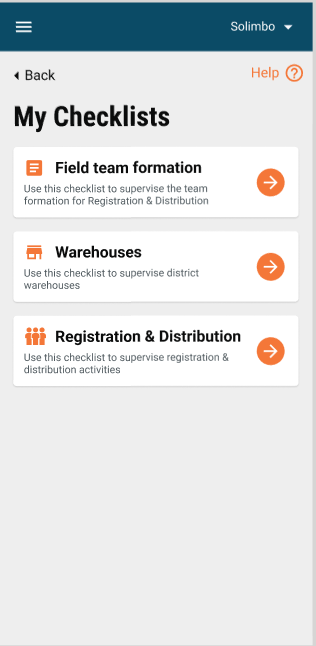
Clicking on "My Checklists" displays the checklists assigned to the user role.
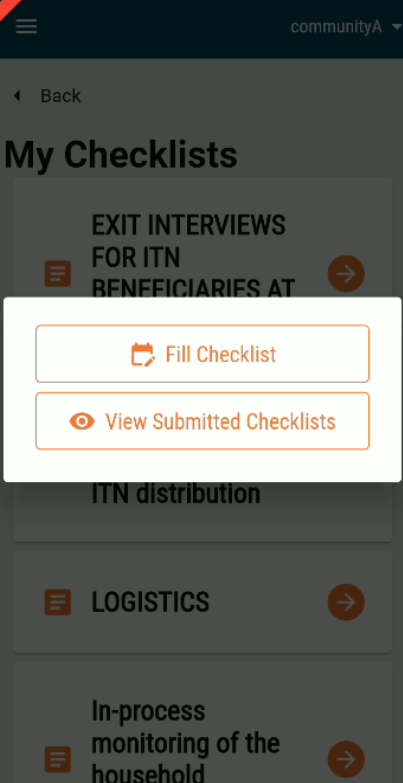
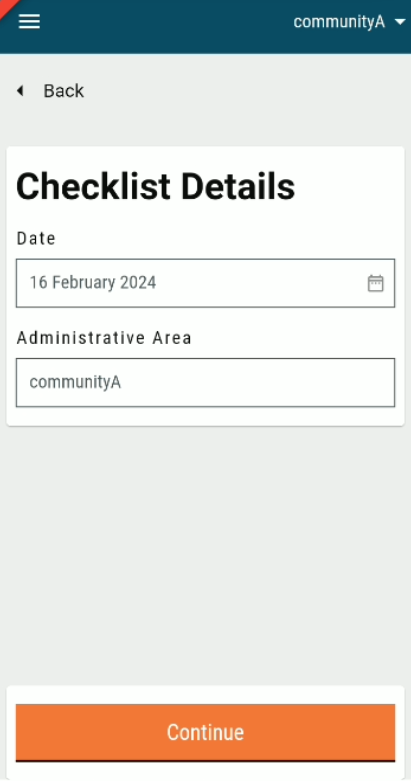
Click on the Fill Checklist button to fill in the checklist against the date and the administrative area.
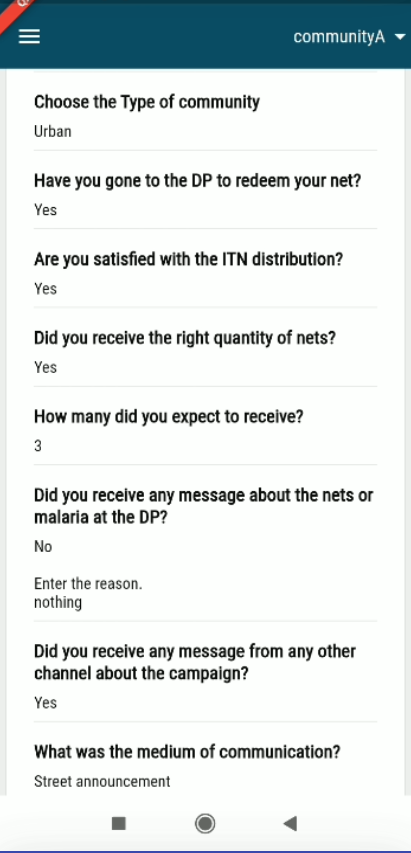
Click on the View Submitted Checklists to see the checklists submitted by the supervisor.
Was this helpful?